

Revo Registry Cleaner Free PC Software is a dedicated Windows system optimization utility developed by VS Revo Group. Designed specifically to address accumulated registry errors, orphan file references, and broken shortcut paths, it scans the core Windows database to remove redundant configuration entries. While VS Revo Group is widely recognized for its uninstaller tools, this standalone registry utility focuses strictly on cleaning, managing, and tuning system registry keys to help maintain desktop operational stability.
Operating locally on Windows workstations, the software analyzes system hives without transmitting personal configuration details to external servers. It provides a structured maintenance workspace for PC owners, system builders, and IT support technicians who want to clean up residual registry paths after multiple software installations and uninstalls. By combining configurable scanning parameters, automated backup points, and built-in OS performance tweaks, it offers a controlled method for managing the Windows system registry.
VS Revo Group actively maintains the software across its Version 2.x release branch (including Version 2.2 builds), maintaining full support for both 32-bit and 64-bit Windows architectures ranging from legacy Windows 7 up to modern Windows 11 systems.
Your May Also Like :: Duplicate Finder Professional PC Software
Key Features
The application incorporates a rich suite of registry scanning engines, safety backup systems, custom key rules, and system tuning features.
Multi-Category Registry Scanning EngineThe software inspects over 15 distinct registry categories, including shared DLL files, file extension associations, application paths, startup entries, system fonts, help paths, and ActiveX/COM objects. Grouping findings by category allows users to review specific types of registry errors before applying cleaning actions.
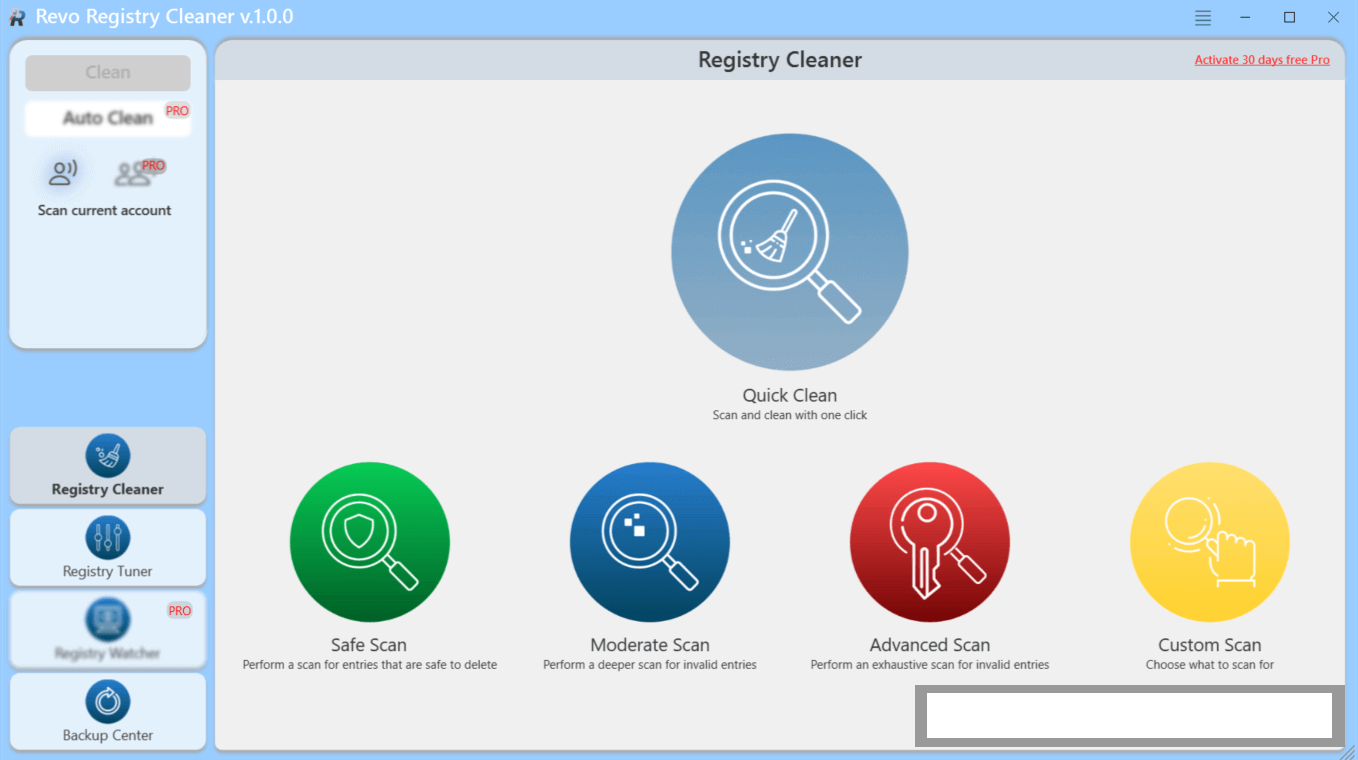
Four Adaptive Scan Depth ModesTo balance speed with scanning depth, the utility provides four distinct scan modes: Quick, Safe, Medium, and Deep. Safe mode focuses strictly on safe, non-critical registry keys to prevent system conflicts, while Deep mode thoroughly searches underlying registry subkeys to identify deeply buried orphan data.
Automated Safety Backups and System Restore Points Working with the Windows Registry carries inherent risks. To protect against accidental deletion of essential system keys, the utility automatically creates full registry backup files and Windows System Restore points before executing any cleaning commands. The integrated Backup Manager lets users reverse changes with a single click if an application requires a restored key.
Custom Include and Exclude Rule FiltersAdvanced users can customize scanning behavior by creating exclude lists. If you run specialized industrial, audio, or accounting software that relies on non-standard registry locations, you can define custom registry keys or branches for the scanner to bypass completely.
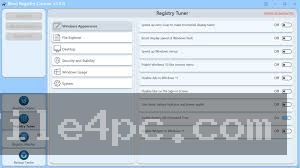
Integrated Windows Performance Tweaks Beyond basic error scanning, the application includes a dedicated Windows Tweaker module containing up to 50 pre-configured OS performance tweaks. Users can adjust visual desktop behaviors, optimize network caching settings, disable unnecessary system animations, and adjust background service polling without manually editing regedit.exe.
How Revo Registry Cleaner Free PC Software Works
The maintenance workflow follows a systematic progression from system backup creation to custom error remediation.
To begin, you launch the application and choose your preferred scanning mode (such as Quick or Safe). You can select specific registry categories to inspect—such as Startup Programs, File Extensions, or Fonts—or run a full system scan.
Next, you initiate the scan. The software scans the active Windows Registry hives (HKEY_CURRENT_USER, HKEY_LOCAL_MACHINE, etc.) and populates a structured results table. Errors are sorted by risk level, key location, and category, allowing you to review individual entries before removal.
Finally, once you confirm your target entries, you click the Clean button. The software automatically generates a restore backup and unlinks the selected invalid registry keys from your system. If an application behaves unexpectedly after the cleanup, you simply open the Backup Manager tab and select Restore to revert your registry to its exact pre-scan state.
Benefits and Limitations
Weighing the utility's maintenance strengths against the realities of registry editing helps determine its role in desktop optimization.
Benefits
The primary advantage is safer, structured registry management compared to manual editing. Its automated backup routines ensure safety during cleanup passes. The clean user interface makes navigating complex system categories straightforward for average users, while its exclude rules give IT administrators precise control. Additionally, the inclusion of built-in system tweaks provides extra utility beyond simple key deletion.
Limitations
The primary technical limitation is that registry cleaning alone rarely delivers dramatic performance boosts on modern SSD-based Windows PCs. While removing orphan keys cleans up database records, it will not fix hardware bottlenecks or recover gigabytes of hard drive space. Furthermore, using the deepest scan modes without reviewing flagged items can occasionally break legacy software licensing keys or custom user path variables if handled carelessly.
What's New
VS Revo Group actively updates the application alongside its flagship uninstaller suites, focusing on scan accuracy, safety database definitions, and operating system compatibility.
Key verified developments across recent release builds include:
-
Version 2.2 Series Updates: Refined scanning algorithms designed to reduce false positives across Windows 10 and 11 registry trees.
-
Enhanced Exclude List Rules: Upgraded rule creation parameters allowing wildcard selection for custom exclusion lists.
-
High-DPI Display Scaling: UI adjustments for crisp text and icon rendering on 4K desktop displays.
-
Expanded Windows Tweaks: Updated performance tweak definitions optimized for modern 64-bit Windows 11 system services.
Installation and Setup
Setting up the software on a PC involves a minimal, straightforward installation footprint.
You download the official setup executable (RevoRegCleanerFreeSetup.exe) directly from the official VS Revo Group website. Run the installer wizard, select your preferred interface language, accept the standard software license terms, and choose your installation directory.
For zero-footprint deployments on technician workstations, VS Revo Group also provides a portable ZIP edition. The portable edition extracts directly to a local folder or USB flash drive, allowing IT technicians to run registry scans across client PCs without installing new software onto the host system.
Tips for Using Revo Registry Cleaner Free PC Software
Always stick to the Safe or Medium scan modes for routine system maintenance. Reserve the Deep scan mode exclusively for troubleshooting broken program installations or persistent system errors.
Never disable the automatic backup or restore point creation features. Keeping automated backups enabled ensures you can instantly recover if an essential software registry key is removed by mistake.
Use the exclude list feature to safeguard proprietary business or specialized creative software. Adding your key software installation directories to the exclude list prevents the scanner from inspecting those specific keys.
Modern Alternatives
Depending on whether you need a comprehensive uninstaller, an all-in-one privacy cleaner, or standard system tools, several alternative utilities exist.
Revo Uninstaller Free (also by VS Revo Group) is a widely used software uninstaller. While Revo Registry Cleaner focuses on scanning the entire Windows Registry, Revo Uninstaller targets individual applications, removing their executable files and corresponding registry entries simultaneously during software removal.
CCleaner Free is a classic system cleanup utility for Windows. It includes a basic registry cleaner alongside temporary file clearing, browser cache wiping, and startup management, serving as a broader maintenance alternative.
Wise Registry Cleaner is a dedicated registry optimization tool offering registry scanning, system tuning, and registry defragmentation. It provides similar safety backups and custom scan schedules for Windows power users.
Who Should Use Revo Registry Cleaner Free PC Software?
This application is suitable for PC enthusiasts, system builders, and IT support personnel who want a safe, dedicated utility to audit and clean up broken registry paths. If you frequently install and remove software, test developer builds, or troubleshoot persistent application startup errors, it delivers a controlled workspace to clean database entries.
However, everyday PC users looking solely to free up disk space or uninstall a single stubborn program will find dedicated uninstaller tools (like Revo Uninstaller) or native Windows Storage Sense more appropriate for their needs.
FAQ
Is Revo Registry Cleaner Free PC Software completely free?
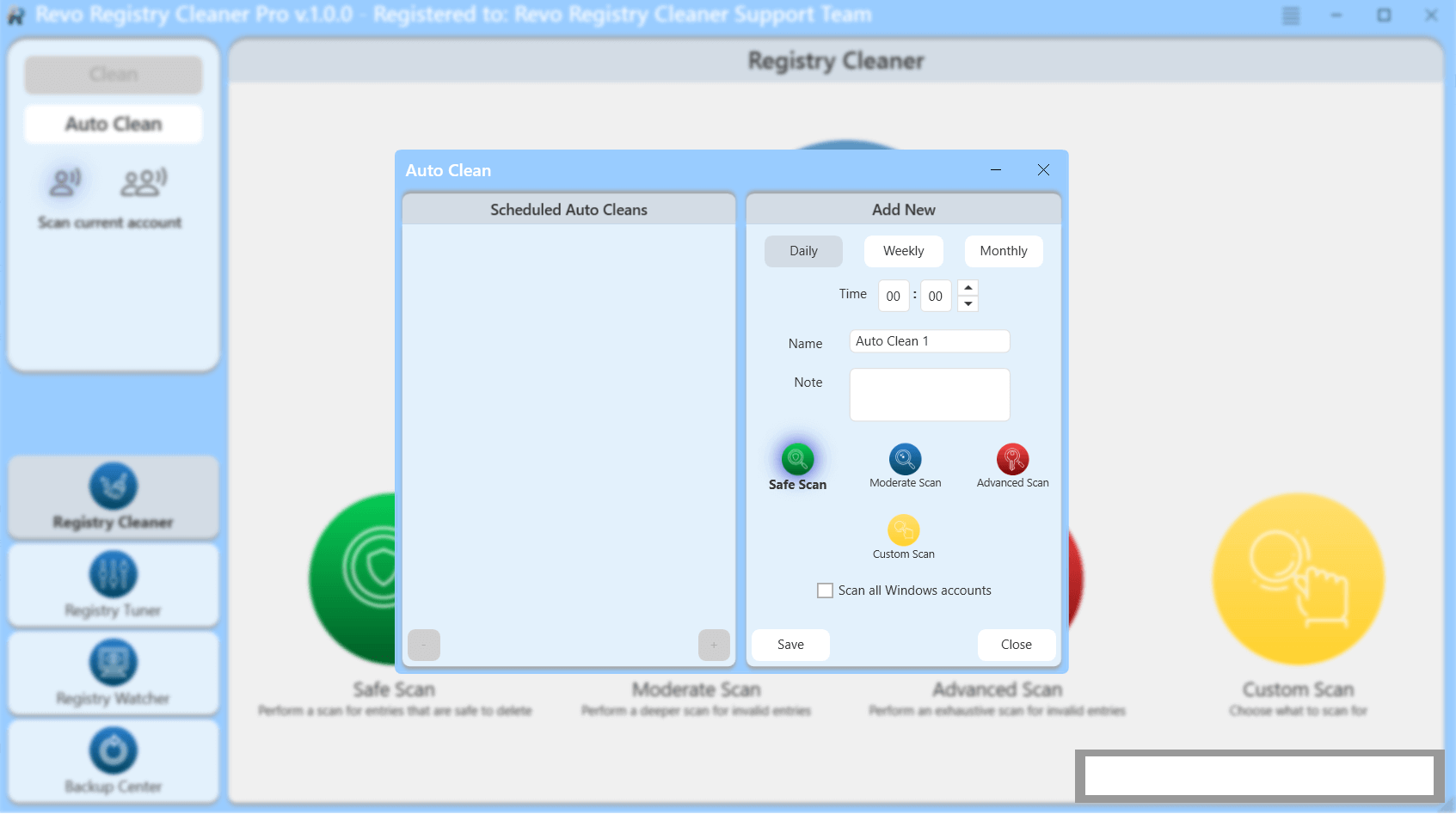
Yes, the Free edition is available at no cost for personal desktop use, offering core category scanning, exclude rules, and safety backups. VS Revo Group also offers a Pro version with automated background scan scheduling and multi-user administrative features.
Will cleaning the registry speed up a modern Windows PC?
While removing orphan keys keeps the system registry structured and resolves file-association errors, it rarely yields dramatic performance improvements on modern SSD hardware. Its main value lies in system cleanup and resolving registry conflicts rather than raw speed gains.
Is it safe to delete all flagged registry items automatically?
It is safest to stick to the Safe scan mode when auto-deleting entries. For Medium or Deep scans, users should review flagged entries—especially regarding system paths and shared files—before executing bulk cleanup.
Can I run this software from a USB flash drive?
Yes. VS Revo Group offers an official Portable edition that runs directly from USB flash drives without requiring installation on the host PC.
Conclusion
Revo Registry Cleaner Free PC Software delivers a structured, safety-conscious environment for auditing and maintaining the Windows System Registry. By combining 15+ scanning categories with four depth modes, automatic restore backups, and built-in OS performance tweaks, it removes broken key references without compromising system stability.
While users should maintain realistic expectations regarding overall system speed gains, its safety controls, exclude rules, and portable options make it a reliable utility for desktop maintenance. For PC owners and technicians seeking a dedicated tool to fix registry errors and keep database entries clean, it provides a dependable maintenance platform.
💬 0 Comments
✍ Leave a Comment